How to use Beacon
A quick 4-step walkthrough
Getting help is simple
Beacon connects you with free shelters, warm meals and support services across Australia. Here is how to find what you need in four short steps.
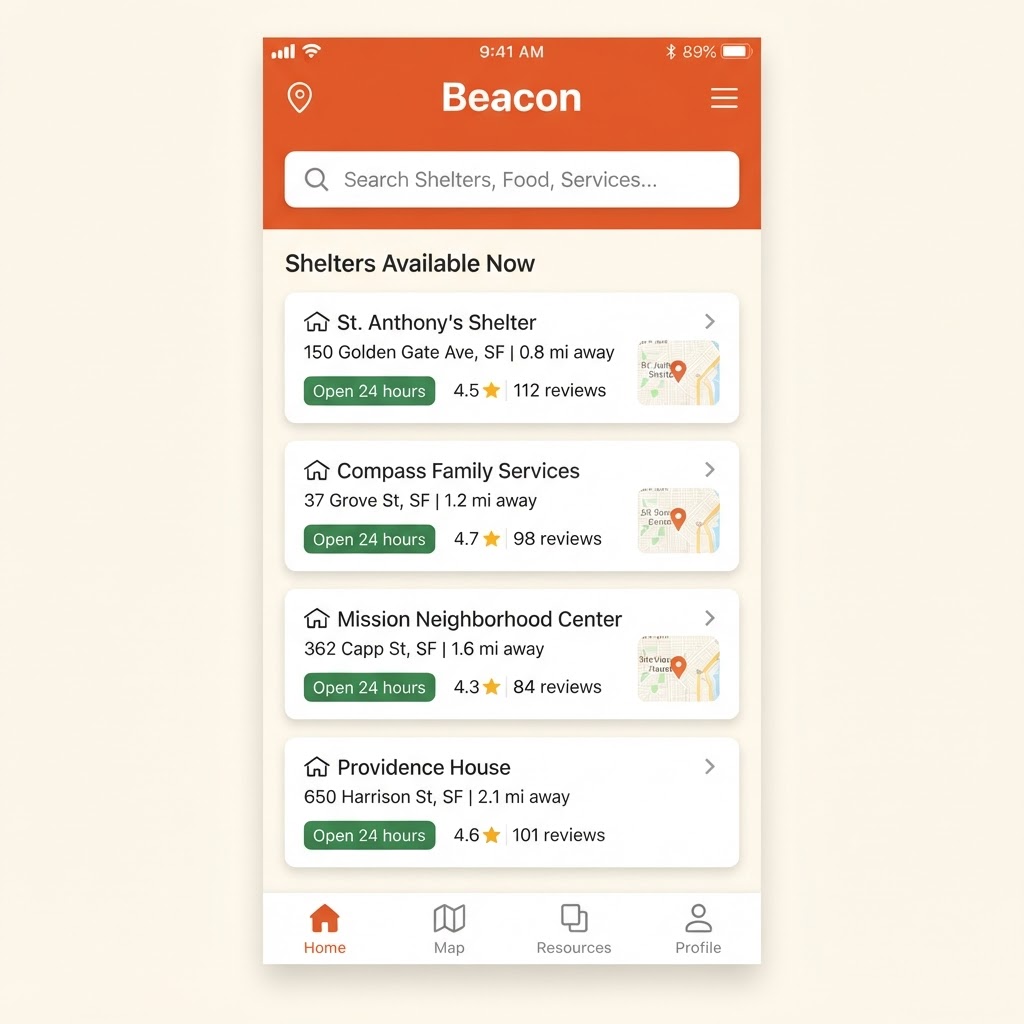
Find a safe place to sleep
Tap Shelters in the bottom bar to see every shelter and crisis accommodation service we know of. Search by name, suburb or address, and each card shows the phone number, opening hours and whether pets and families are welcome. Tap the number to call straight away, or favourite a place to save it for later.
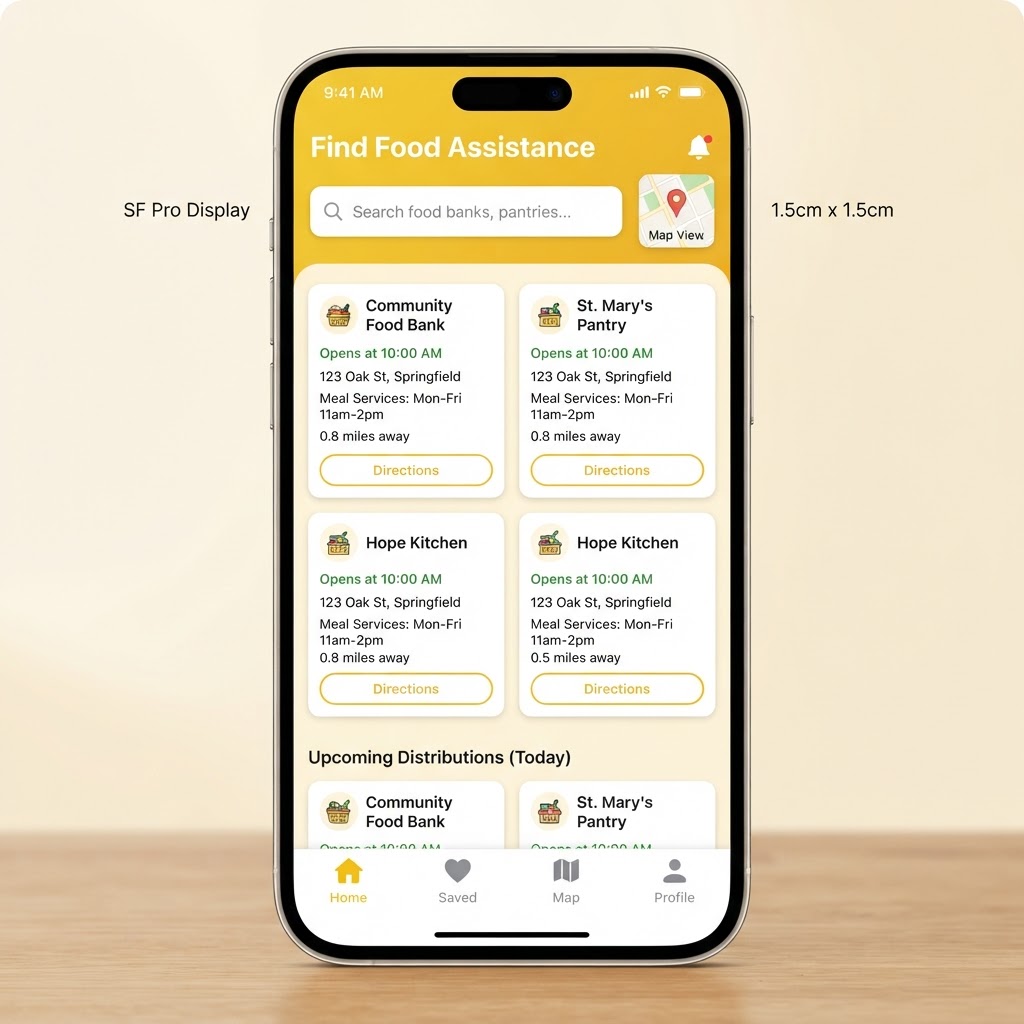
Find your next warm meal
The Food tab lists free meals, food banks, pantries and community kitchens near you. Use the search box to filter the list by name, suburb or address, and check the hours on each card so you know when food is served. Pull down to refresh any time for the latest listings.
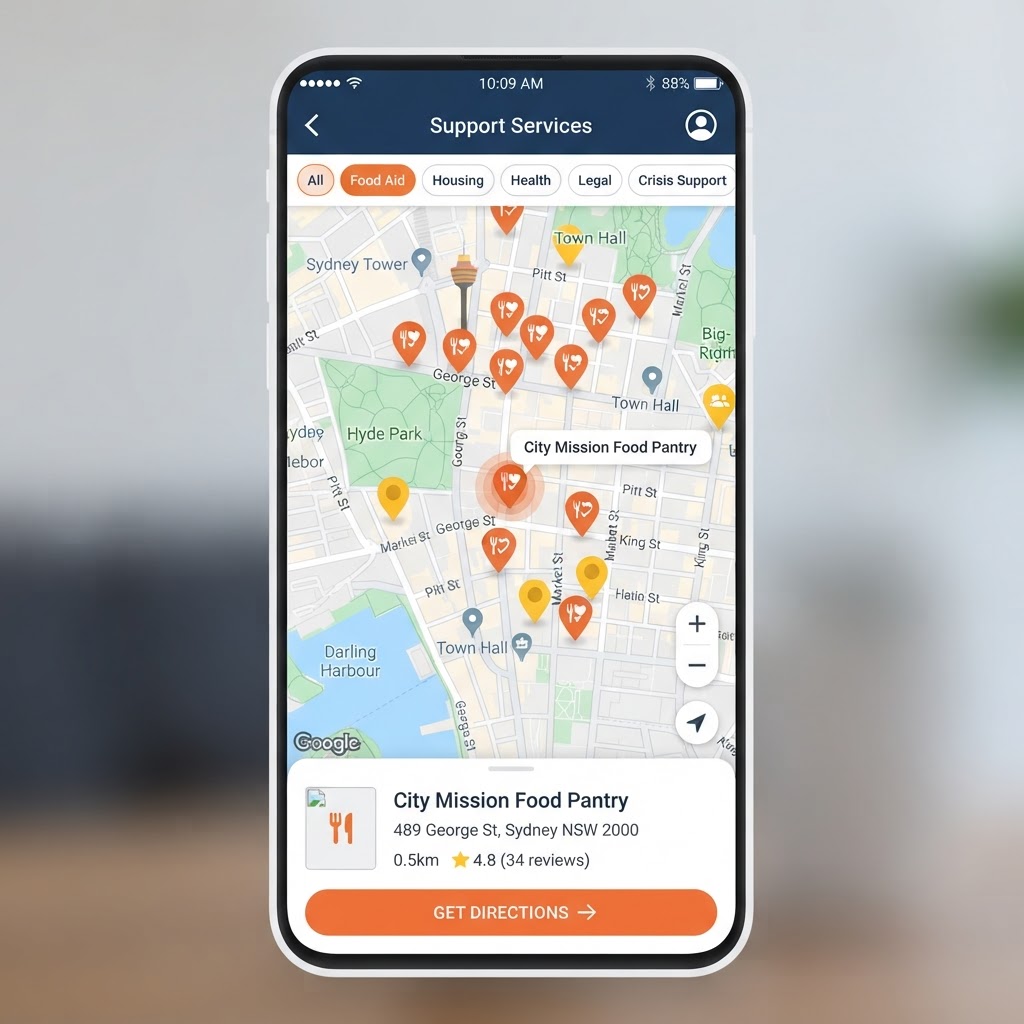
See everything on a map
Not sure what you need? Open the Map tab to see every service pinned around your city. Use the filter chips at the top to switch between shelters, food and other categories, then tap a pin to see the service details and get walking or driving directions from where you are.
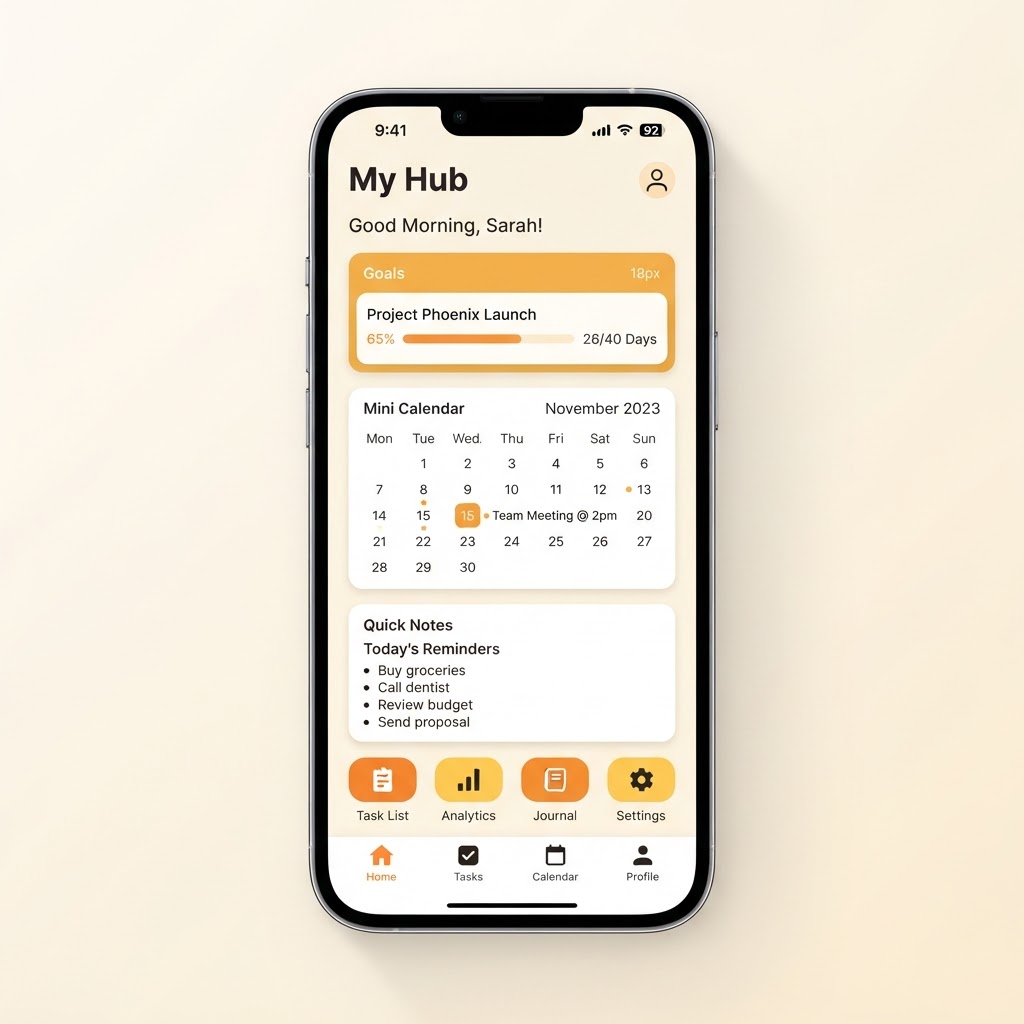
Make Beacon yours
My Hub is your private space. Set personal goals and track your progress, add appointments and reminders to your calendar, keep private notes, and find everything you have favourited in one place. Only you can see what you save here.
Handy to know
Search anywhere
Every directory has a search box — type a suburb, a name, or a street and the list filters instantly.
Save with a tap
Tap the heart on any resource card to add it to your favourites so you can find it again in My Hub.
In an emergency
The emergency banner is always one tap away with the numbers that matter, day or night.

